

Keboola Model Context Protocol (MCP) Server
Connect MCP clients and AI assistants to your Keboola project — what the MCP Server does, how to connect each client, and the available tools.
Connect your MCP clients and AI assistants to your Keboola Project and give them the powers of a Keboola Expert user. Query data, create transformations, write SQL queries, and build your pipelines — all with no clicks required.
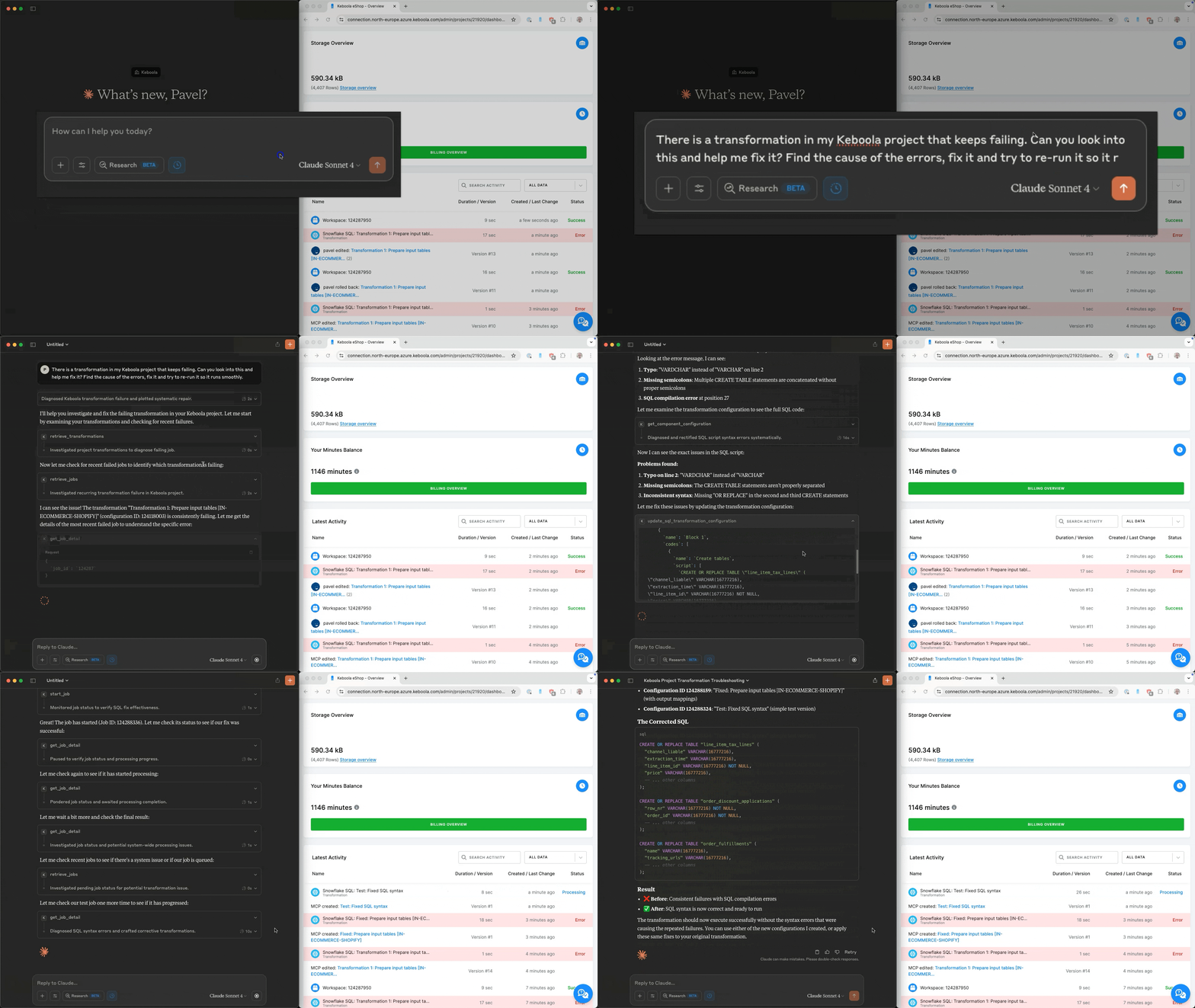
Keboola’s MCP Server brings powerful AI agents like Claude and Cursor directly into your data workflows. Just describe what you need in plain language to:
- Search and explore your data.
- Set up and manage workflows — no code required.
- Build SQL queries and transformations using AI.
- Launch and monitor jobs in real time.
- Automatically document everything — down to the column level.
Business use cases
Section titled “Business use cases”- Analyze customer orders, segment users, or monitor campaign performance — just by describing what you need, your assistant will query the data in your project directly.
- Instantly get data from any system (CRM, ERP, ads) without touching the UI.
- Update and run data pipelines before key meetings — no technical help required.
- Automatically generate clear, human-readable descriptions down to the column level for full data transparency.
In this section
Section titled “In this section”- Connect a client — set up the MCP Server in Cursor, Claude, ChatGPT, Windsurf, VS Code, or Make.
- Reference — available tools, restricting tool access, and advanced setup.
Supported clients: Cursor, Claude, ChatGPT, Windsurf, VS Code, Make, and any client that supports a remote Streamable HTTP connection.
Support and feedback
Section titled “Support and feedback”Need help or want to contribute? Open an issue on GitHub to report bugs, request features, or suggest improvements. We’d love your ideas, fixes, and feedback to make MCP even better.